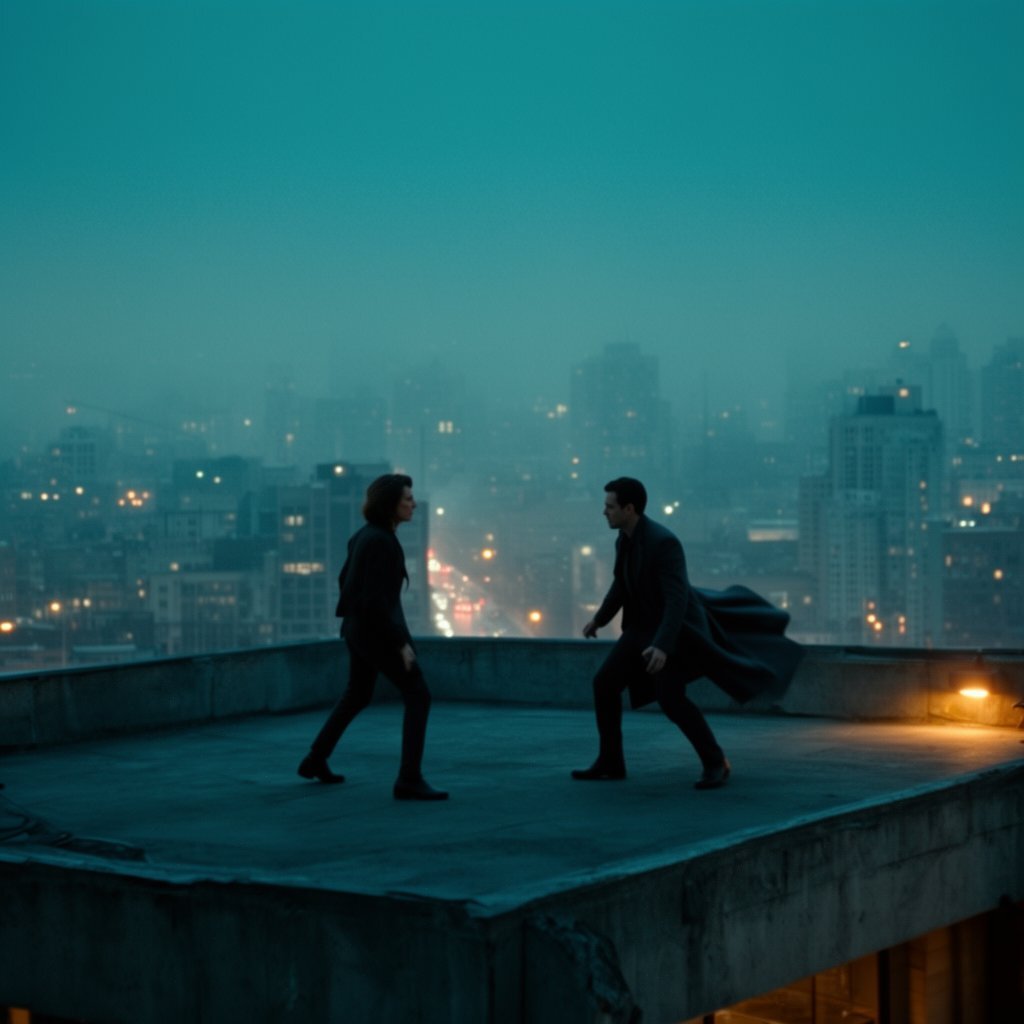
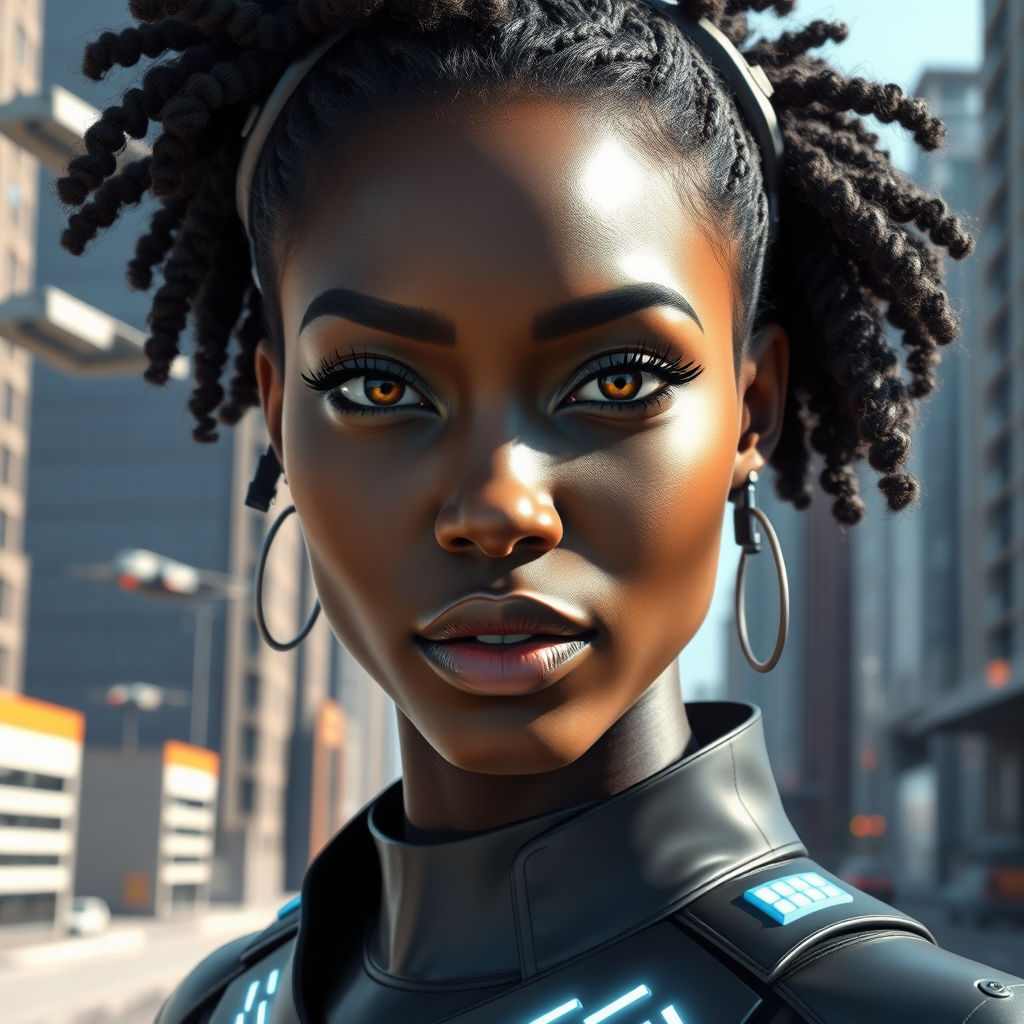
Browse and compare image, video, audio, and 3D models without rebuilding your workflow around every new release.
180+models to browse and compare
One libraryfor every generated asset
Always currentas providers ship new releases
FluxPopular
Runway
ElevenLabsPopular
GPT Image 2
Luma
Z-Image
Veo3
Nano BananaPopular
Sora2
FluxPopular
Runway
ElevenLabsPopular
GPT Image 2
Luma
Z-Image
Veo3
Nano BananaPopular
Sora2
One subscription, one project, and no extra provider accounts to manage.
FLUX.2 KleinNew
Krea 2New
WANX
Qwen
Kling
Seedance 2
Seedance 2.5New
MiniMax H3New
LTX-2
Scribble
FLUX.3New
Diffrhythm
FLUX.2 KleinNew
Krea 2New
WANX
Qwen
Kling
Seedance 2
Seedance 2.5New
MiniMax H3New
LTX-2
Scribble
FLUX.3New
Diffrhythm
Model availability can change as providers update releases.
Storybox · Production system
The studio that remembers the story.
Start with an idea, a script, or a template. Build the cast, direct every scene, keep continuity intact, shape the cut, review together, and deliver without losing the thread.
Go from a spark to a production-ready story world.
Start from Inspire, a production template, an existing script, or a blank project. Shape scenes and dialogue while Storybox keeps the cast and story context close.
Inspire
Templates
Script + Lines
Voice casting
Cast library
Script · Draft 04Scene 08
INT. SUBWAY CAR — NIGHT
MAYA scans the doors as the lights pulse out.
MAYA We only get one chance.
The train tears into the tunnel.
Scenes08 / 24
08Subway signal4 shots
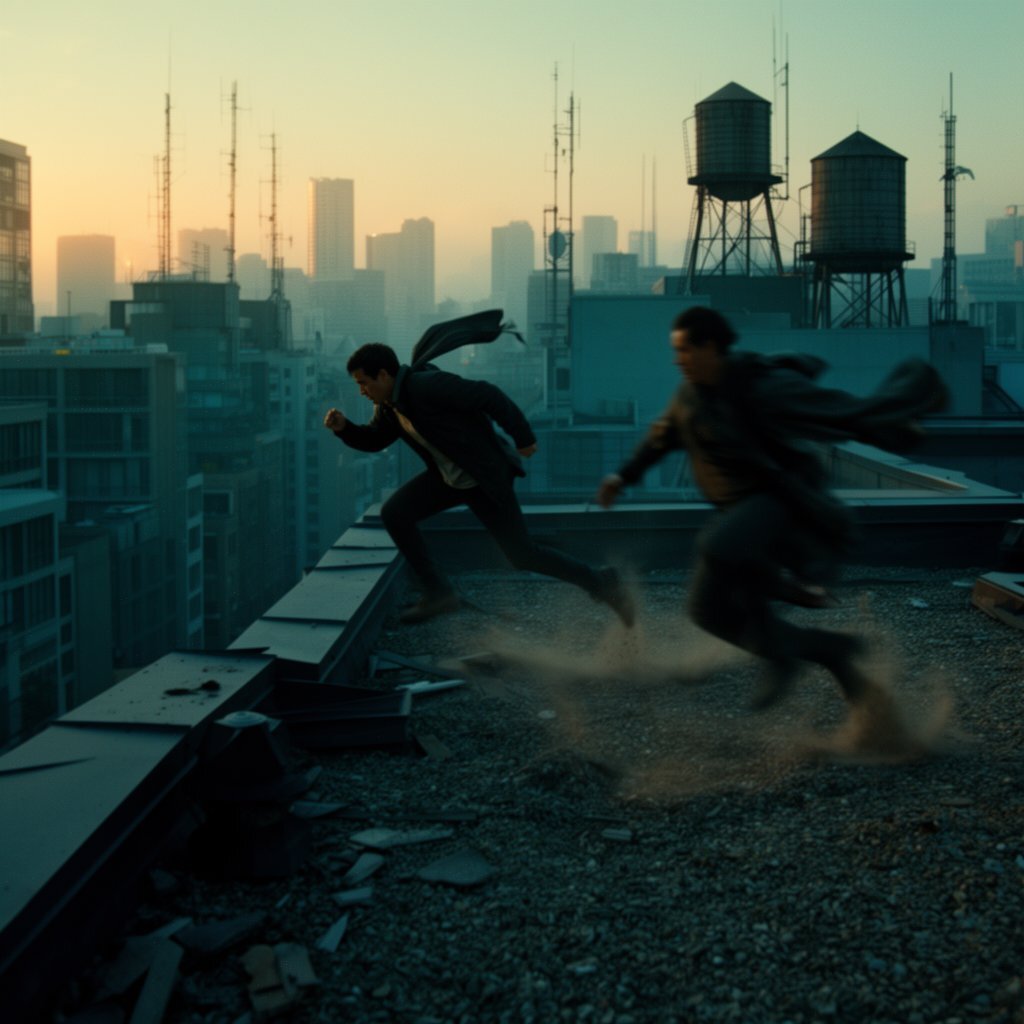
09Rooftop pursuit7 shots
10Tunnel exit3 shots
MayaLead · 3 looksRain lookLocked outfit
+Cast
✦
Story assistant Scene 09 raises the stakes. Carry Maya’s damaged sleeve into the rooftop shots?
Direct · Protect continuity
Change the world once. Know exactly which shots it touches.
Anchor locations with multi-angle references, give every character reusable faces, outfits, poses, and props, then direct each shot with its own visual controls.
Location Atlas
Dependency tracking
Shot Builder
Looks + LoRAs
ControlNet
Shot 09B · Hero close-up12
Shot controlsContinuity on
CharacterMaya · Rain look
LocationRooftop · North angle
Camera50mm · Low tracking
StyleNeon noir · LoRA 0.7
Location AtlasRooftop4 angles locked
09A09B09C09D
4 affected shots found
Finish · Build the cut
Mix the story, move the work, and shape the sequence.
Cast voices in Voice Lab, edit dialogue, separate stems, clean and align audio, mix effects, track every task, and assemble the timeline without leaving the project.
Voice Lab
Audio Timeline
Stem separation
Tasks + Kanban
Video Timeline
Audio Timeline03:18 / 05:42Autosaved
03:0003:1503:3003:45
Score
Ambience
SFX
Dialogue
Production queue6 active
Voice clean · Scene 08Sound · In progressAR
Review cut v4Edit · ReadyML
Regenerate Shot 09BVisual · QueuedAI
Effects rackDialogue
EQOn
CompressorOn
ReverbOn
Deliver · Keep every decision
Review in context. Rewind safely. Hand off professionally.
Play the synchronized storyboard with voice, score, and timing. Resolve frame notes, compare or branch versions, then package the project for the room, edit bay, or archive.
Synced preview
Frame notes
Version branches
Storyboard PDF
Pro NLE handoff
Preview · Cut v4 3 watching
12
▶
1
Maya L. Hold two more frames before the cut.
Resolved
Version historyBranch-safe
Cut v4Current · 2m ago
Lighting lockRestore point
Director selectBranch available
Delivery packageReady
PictureMP4 · Storyboard PDF
ScriptFountain · PDF · FDX
Edit bayOTIO · FCPXML · EDL
Eligible plans include source media, manifest, and relink report.
One project. Not a folder full of disconnected generations.
Choose a part of the production to see how Storybox keeps the work connected. One focused view at a time—no endless feature crawl.
Collaboration
Stay Aligned Across the Team
A production workspace built for review and alignment.
Compare versions, capture approvals, and keep exports aligned with the story while decisions stay human-directed.
Comments pinned to frames and scenes (not screenshots)
Approvals that follow the version (no confusion)
View-only links for clients and stakeholders
Activity feed showing what changed, when
Radiate is built with an advanced version control system for creative work. Iterations are preserved as part of the project timeline, allowing you to review past versions, compare creative directions, and return to earlier states without breaking the flow of the project.
Nothing is lost. Progress stays visible. Alignment stays intact.
✅
Review links + approvals
Share a review link, collect approvals, and keep notes tied to shots.
🔁
Version comparisons
Stack scenes side-by-side to spot changes fast.
📦
Export packages
Deliver pitch-ready handoffs without manual formatting.
Scene compareApproval in progress
Scene v2
Scene v3
ARMLKPJT+2
Alex commented on Shot 12
Maya approved Scene v3
Export package generated
"Hold on the hero close-up"
"Approve once lighting pass lands"
Script to storyboard
Generate the script, then storyboard every scene.
Draft beats, expand scenes, and create boards in a story-first workflow without leaving the production workspace.
Script DesignerLive outline + lockable beats
Scene reviewFrames with camera notes
Iteration loopQuick revisions across script + boards
Script Designer
Project: Neon RunUpdated 2m ago
OutlineStoryboard
Script draft
Writing...
01INT. SUBWAY CAR - NIGHT
02MAYA grips the handrail, scanning the doors.
03The lights flicker. A low hum builds.
04EXT. ROOFTOP - CONTINUOUS
05The chase breaks into the skyline.
Scene 04 · Rooftop chaseBoards ready
Frame 04AWide establishing
Frame 04BHero close-up
Frame 04CDrone chase beat
Frame 04DJump transition
Canvas Boards
Map the story on a visual canvas.
Drag shots, references, and tasks into a shared board that keeps everyone aligned in one visual space.
Great for table reads, creative reviews, and pre-pro check-ins.
Spatial planningArrange scenes, notes, and assets visually.
Board selectorJump between boards without losing context.
Live presenceSee the team updating in real time.
Canvas
Project: Neon RunBoard: Sequence Map
Live
Board 03 · Rooftop+ Node
Shot 12A
Director noteHold the close-up, add rain, push neon glow in the bokeh.
Generate clips in Motionbox Create, store them in a reusable library, and refine timing in the built-in video editor with a true timeline view.
Create + libraryTurn prompts into motion clips and keep them organized.
Context editTrim, replace, and stack shots without leaving the editor.
Timeline controlBalance cuts, beats, and transitions in one view.
Motionbox
Project: Neon RunSequence 04 · 12 clips
CreateLibraryEditor
CreateDraft
PromptHero sprints through neon rain, handheld glide
Cinematic24fpsDolly
LibraryRecent
Rooftop run
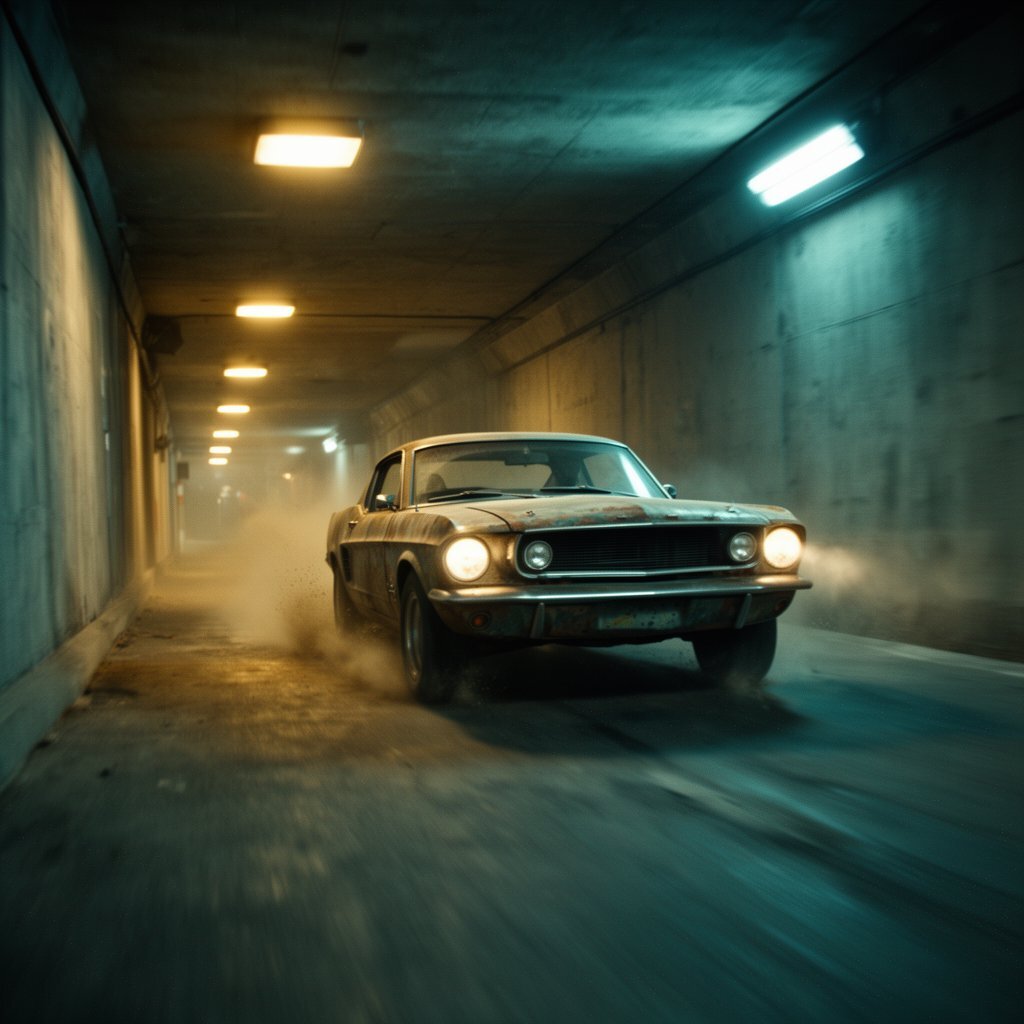
Tunnel drift
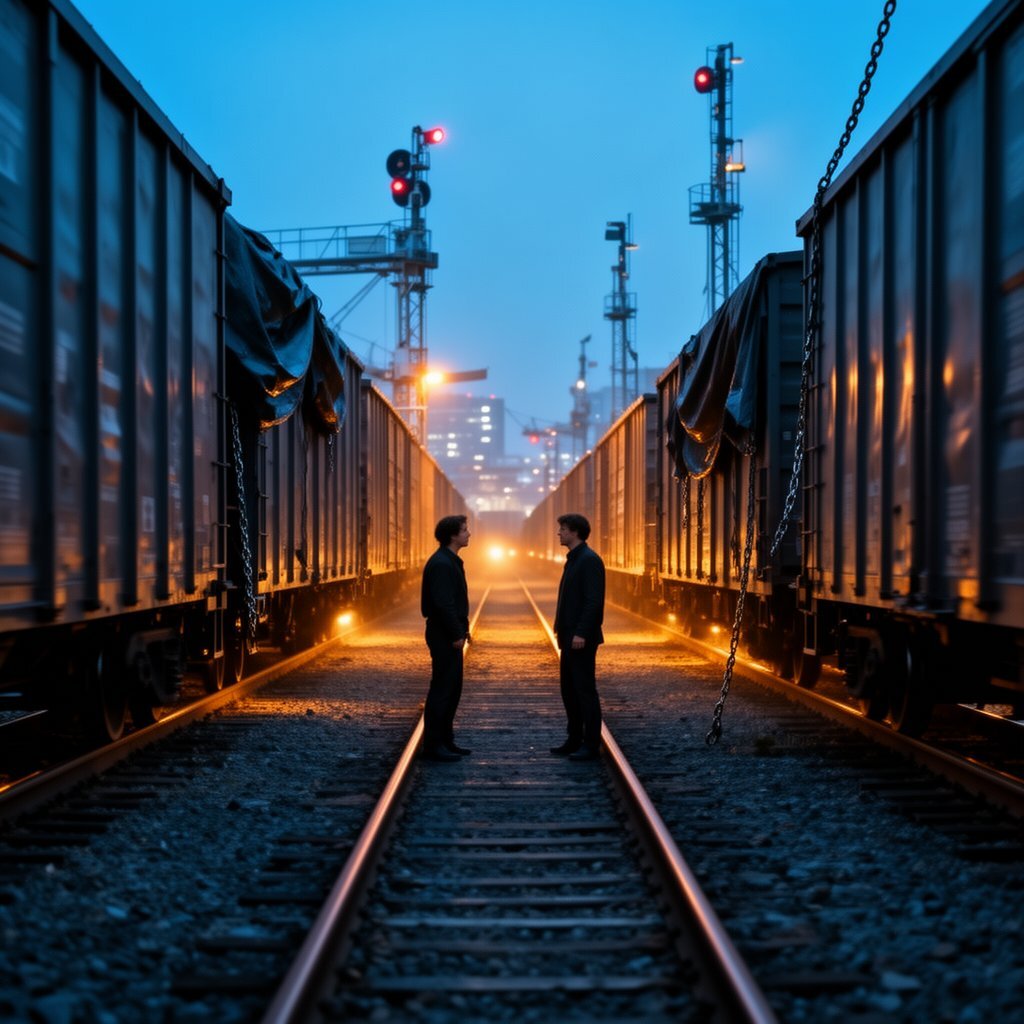
Train bridge
Finale pull
Video editorContext menu
TrimReplaceSpeedBlend
Timeline00:42 / 01:30
Audio timeline
Layer music, SFX, and dialogue in one precise mix.
Build a synchronized soundtrack with lanes for score, effects, and voice. Nudge every beat to your story without leaving the production workspace.
Soundtrack lanesKeep score, ambience, and cues aligned.
SFX timingDrop hits, risers, and foley on the beat.
Dialogue syncLock performances to scene timing.
Audio Timeline
Project: Neon RunAutosave active
SoundtrackSFXDialogue
01:12 / 05:00
Zoom
LanesLevels
Soundtrack
SFX
Dialogue
00:0000:4501:3002:15
Character Consistency
Consistent characters, across every scene.
Design once. Direct everywhere.
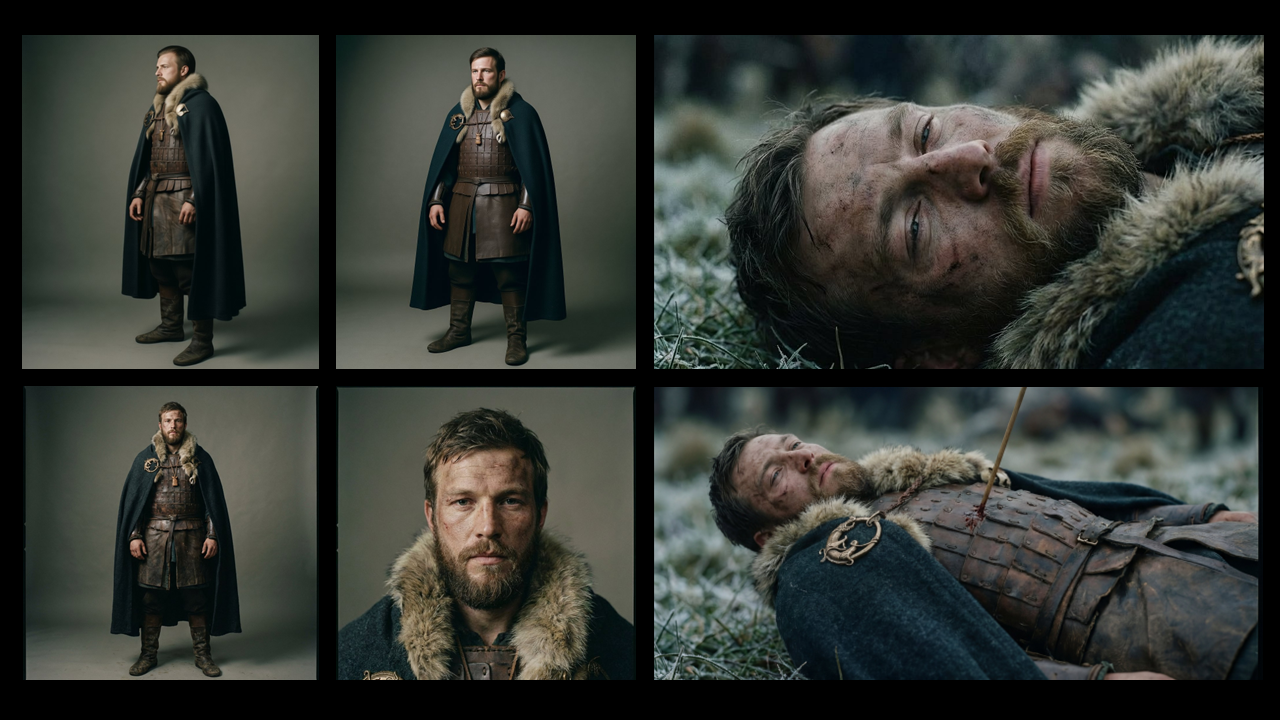
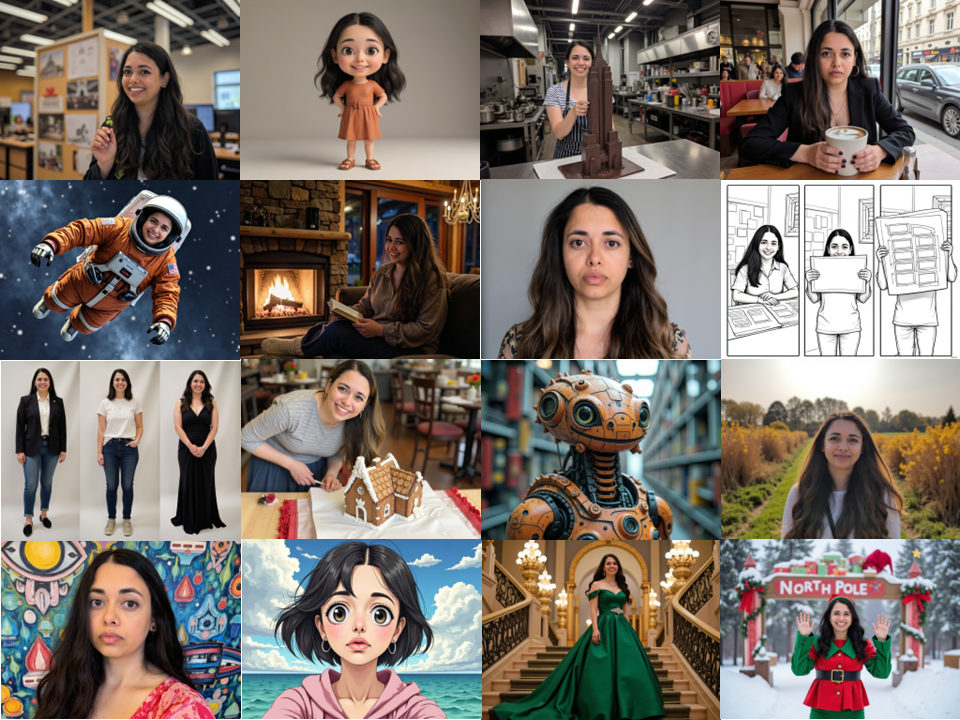
Create characters that stay recognizable across poses, outfits, locations, lighting, and cinematic shots — without starting over every time.
Cross-shot consistencyKeep the same character across multiple images and video shots.
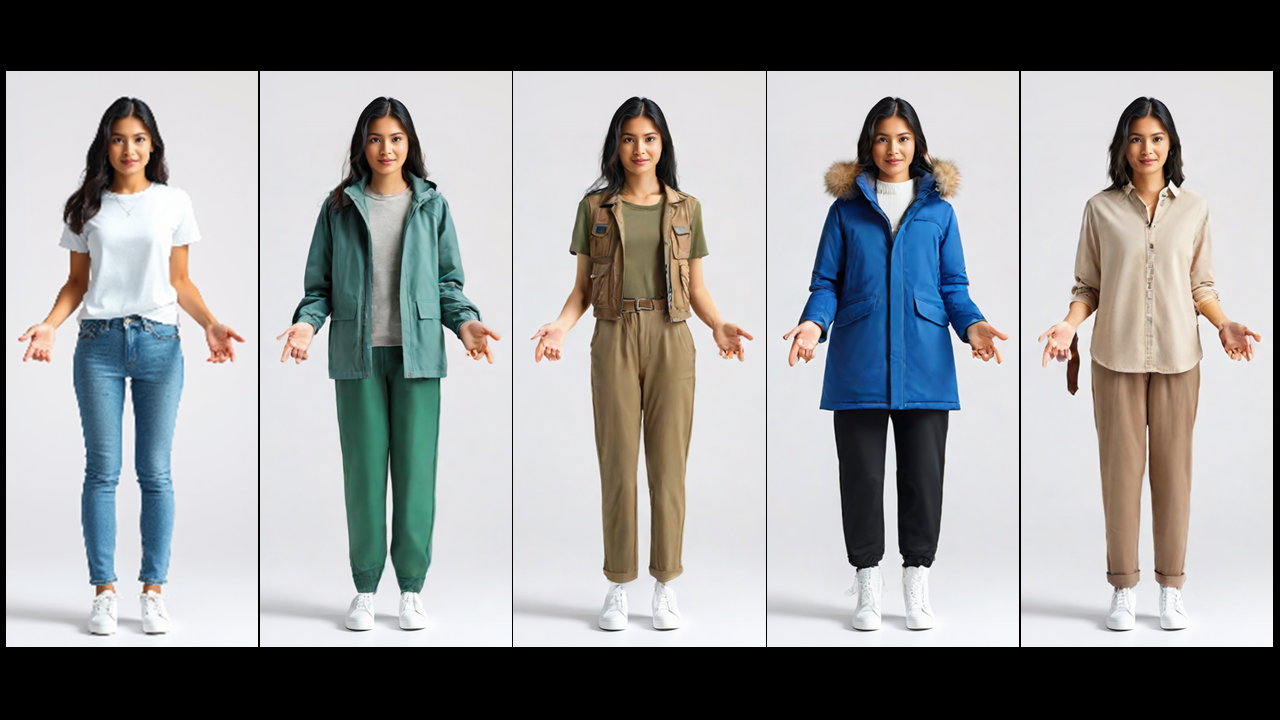
Clothesbox outfitsGenerate and swap outfits using Clothesbox without identity drift.
Custom modelsTrain a custom character model using your own images.
Media Hub
One library for every asset you produce.
Search, filter, and preview images, audio, video, and 3D files from a single hub that feeds every project.
Unified searchFind assets by type, source, or tag.
Batch uploadDrop files once, reuse everywhere.
Instant previewScan audio waveforms and video clips fast.
Media Hub
Library Overview126 assets · 4 categories
UploadFilter
Search assets...
AllImagesAudioVideo3D
Scene 04 FrameImage · 2.4 MB
Tunnel PlateImage · 3.1 MB
Neon Pulse ThemeAudio · 02:18
Rooftop Chase CutVideo · 00:42
Train YardImage · 1.9 MB
3D
Prop: Drone RigGLB · 12 MB
Made across Radiate Studio
Stories become worlds.Worlds become motion.
Concept frames, character studies, cinematic environments, and motion — created with the same production context behind every shot.
Scroll to open the world
Explore the collection
Open any frame or motion piece from the worlds above.
Questions, answered.
Getting Started, Access & Setup
Start by using Script Designer to create your first project outline, then generate scenes and frames from it. This gives you structure immediately and makes review and iteration easier.
No. You can start with a concept, references, or a short idea. The Script Designer can help generate a structured outline so you can build your first project quickly.
Radiate Studio is open to the public. You can start with the core workspace, review tools, collaboration features, and export packages today.
Collaboration, Review & Team Workflow
Comment directly on frames and scenes, request approvals, and share view-only review links. Feedback stays attached to the correct version.
Yes. You can assign roles and tasks to collaborators so responsibilities and next steps are clear inside the project workspace.
Yes. You can generate view-only review links so stakeholders can comment and approve without changing the project.
Radiate Studio was designed for both individual creators and collaborative groups. It works well for solo users, teams, and studios of different sizes. For enterprise-level questions, please contact us at support@radiatestudio.ai.
Privacy, Ownership & Sharing
No. Your projects and outputs are private by default. Radiate Studio does not publicly post or showcase your work without your explicit action. You may choose to share individual projects, generations, or review links with others, or post them publicly on social media or community spaces at your discretion.
You own your outputs. Export them anytime for clients, collaborators, or your archive.
Yes. You can delete projects at any time. Storage and retention details are described in the privacy policy.
Data Handling & Safety
To generate content, Radiate Studio sends your prompts and uploads to trusted AI model providers and infrastructure partners. We also use third-party safety services to help detect disallowed content. These providers receive only the information necessary to deliver the service and are subject to their own privacy and security obligations.
Radiate Studio uses automated safety systems to screen prompts and, in some cases, uploads or outputs for policy violations or illegal content. If content is flagged, it may be reviewed by trained human reviewers to determine appropriate next steps.
Actions may include warnings, temporary restrictions, suspension, or account termination. In limited circumstances, content may be reported to authorities when required by law or necessary for safety.
No. Radiate does not train on your data by default. Projects are private unless you choose to share them. See the privacy policy for details.
Plans, Billing & Subscriptions
First-time subscriptions may be eligible for a refund within 14 days of purchase if usage remains below 50 credits. Subscriptions and credit packs are otherwise non-refundable, except where required by law.
You may cancel your subscription at any time, and cancellation will take effect at the end of your current billing period.
Characters, Consistency & Styling
Radiate keeps character identity stable across shots by letting you reference an existing character, start from a single image, or train a custom character model. You can then generate new scenes while preserving the same facial features, proportions, and overall identity.
Yes. You can update pose, expression, framing, and camera style while keeping the same character identity. Move your character between locations, lighting setups, and styles (from studio renders to cinematic scenes) while maintaining identity consistency. This is designed for multi-shot sequences where continuity matters.
No. Training is optional. You can start with lightweight reference methods for fast iteration, and train a custom model when you want maximum consistency or a specific character you’ll reuse often.
Yes. Characters are treated as reusable production assets inside the workspace, so you can keep continuity across scenes instead of recreating characters from scratch each time.
Clothesbox lets you generate and swap outfits independently of the character, so you can explore different looks (uniforms, costumes, styling directions) without identity drift.
Exports, Assets & Production Handoff
Export storyboard PDFs, screenplays in Fountain, PDF, or FDX, finished MP4s, and offline SCORM packages. Eligible plans can also create professional NLE handoffs in OTIO, FCPXML, FCP7 XML, and EDL.
An export package bundles the timeline, source assets, notes, manifest, and relink information needed for review, archiving, or a clean handoff to the edit bay. Format availability varies by plan.
Yes. You can import frames, references, and external outputs to keep your work centralized for review and iteration.
Your next film starts with a line.
Bring it into Storybox and carry the same creative intent all the way to the final cut.